Mukesh1@gmail.com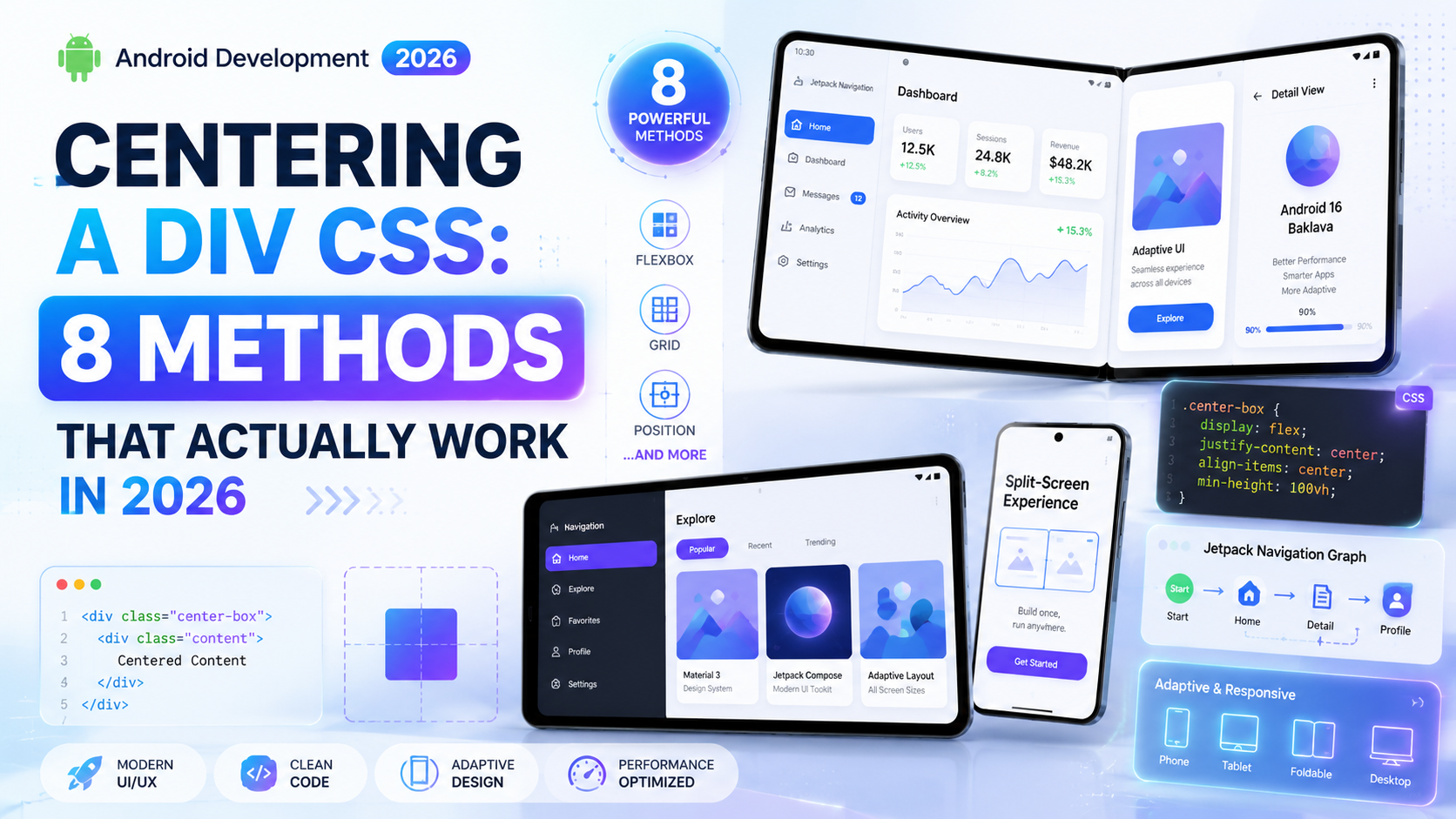
Introdection
Ask any web developer — beginner or experienced — what their most annoying CSS problem was when they started out, and centering a div CSS comes up almost every time. It sounds so simple. You have a box. You want it in the middle. How hard can it be?
Turns out, harder than it should be. At least, it used to be. In 2026, CSS has genuinely good solutions for centering — both horizontally and vertically. The problem is there are multiple ways to do it, and not all of them work in every situation. Some methods center horizontally but not vertically. Some work only on flex containers. Some require knowing the element’s exact dimensions.
This guide covers every centering a div CSS method that actually works right now, with real examples and honest notes on when to use each one.
Why Centering a Div CSS Is Confusing in the First Place
The confusion around centering a div CSS comes from context. Centering a div behaves differently depending on whether you’re centering it inside another div, centering it on the full page, centering text inside it, or centering it both horizontally and vertically at the same time.
CSS doesn’t have one universal “center everything” property. Different layout systems — normal flow, flexbox, grid, absolute positioning — each have their own centering approach. Understanding which context you’re working in is half the battle. Once that clicks, the right centering a div CSS method becomes obvious for each situation.
Method 1 — Flexbox Centering (The Modern Standard)
Flexbox is the most practical and widely used centering a div CSS method in 2026. It works cleanly, requires minimal code, and handles both horizontal and vertical centering simultaneously.
css
.parent {
  display: flex;
  justify-content: center;  /* horizontal */
  align-items: center;      /* vertical */
  height: 100vh;            /* need a height for vertical centering */
}
html
<div class="parent">
  <div class="child">I am centered</div>
</div>
justify-content: center centers the child horizontally along the main axis. align-items: center centers it vertically along the cross axis. Together, the child div sits perfectly in the middle of the parent — the cleanest centering a div CSS solution for most layouts.
The height on the parent matters for vertical centering. Without a defined height, the parent collapses to the height of its content — and there’s nothing to center within. This is one of the most common reasons vertical centering appears not to work.
When to Use Flexbox Centering
Use this when you’re centering one or a few items inside a container. It’s ideal for centering a card on a login page, a modal dialog, or a hero section’s text block. This is the centering a div CSS method most developers reach for first in 2026 — and that makes complete sense. It’s reliable, readable, and handles both axes with two properties.
Method 2 — CSS Grid Centering (Cleanest Single-Line Option)
CSS Grid offers an even simpler centering a div CSS syntax. If you just need something centered and nothing else complex is happening, this is genuinely the cleanest approach available:
css
.parent {
  display: grid;
  place-items: center;
  height: 100vh;
}
html
<div class="parent">
  <div class="child">Centered with Grid</div>
</div>
place-items: center is shorthand for both align-items: center and justify-items: center. One line. Done. Browser support is excellent — Chrome, Firefox, Safari, and Edge all handle it without issues in 2026.
Grid vs Flexbox for Centering a Div CSS
Both work well for centering a div CSS. Flexbox gives you more control when you have multiple children you want to space or align in different ways. Grid’s place-items: center is better when you just want one thing centered and don’t need complex layout behavior around it.
Method 3 — Margin Auto (Horizontal Only, Classic Method)
This is one of the oldest centering a div CSS techniques. It only centers horizontally, not vertically — but for block-level elements, it’s still widely used and completely valid in 2026.
css
.child {
  width: 600px;
  margin: 0 auto;
}
margin: 0 auto sets top and bottom margins to zero and left and right margins to auto. The browser distributes the available horizontal space equally on both sides, pushing the element to the center. Two requirements apply: the element must be block-level, and it must have a defined width. Without a width, it stretches to fill its container and there’s nothing to center.
Practical Use Case for Margin Auto
This centering a div CSS method is still commonly used for centering page-level content containers:
css
.container {
  max-width: 1200px;
  margin: 0 auto;
  padding: 0 1rem;
}
This pattern shows up in almost every website. Simple, dependable, and doesn’t require any flex or grid context on the parent element.
Method 4 — Absolute Positioning With Transform
This centering a div CSS method works when the element is positioned absolutely inside a relative parent. It’s useful for overlays, tooltips, popup elements, and situations where the element needs to sit on top of other content.
css
.parent {
  position: relative;
  height: 400px;
}

.child {
  position: absolute;
  top: 50%;
  left: 50%;
  transform: translate(-50%, -50%);
}
Here’s what’s happening: top: 50% and left: 50% move the element’s top-left corner to the center of the parent. But that means the element starts at center, not sits at center. The transform: translate(-50%, -50%) pulls it back by half its own width and height, landing it perfectly centered. This centering a div CSS trick works regardless of the child element’s dimensions — you don’t need to know its exact size in advance.
When This Method Is Appropriate
Use this for elements that float above the page — loading spinners over content, image captions overlaid on photos, or custom tooltip positioning. It’s not ideal for standard document flow layouts because absolute positioning removes the element from normal flow entirely.
Method 5 — Centering Text Inside a Div
This is a slightly different centering a div CSS problem. You’re not centering the div itself — you’re centering the content inside it. Many beginners confuse these two things and wonder why their code isn’t working.
css
/* Horizontal text centering */
.box {
  text-align: center;
}

/* Vertical text centering with line-height */
.box {
  height: 60px;
  line-height: 60px; /* same value as height */
  text-align: center;
}
text-align: center centers inline content — text, inline elements, inline-block elements — within their block container. It does not center block-level elements like other divs. Setting line-height equal to the element’s height vertically centers single-line text. For multi-line text, flexbox is a better centering a div CSS choice.
Method 6 — Flex Child Margin Auto
There’s a less-known but very clean centering a div CSS trick inside flex containers. When you apply margin: auto to a flex child, it absorbs all available space in that direction.
css
.parent {
  display: flex;
  height: 100vh;
}

.child {
  margin: auto;
}
The child div centers itself perfectly — horizontally and vertically — because margin: auto in a flex container distributes remaining space equally on all sides. No justify-content or align-items needed on the parent at all.
This centering a div CSS technique is particularly useful when you want other flex children positioned normally but one specific item should be centered or pushed to a particular corner of the container.
Method 7 — Centering a Full-Page Div (Viewport Centering)
Sometimes you want a div centered relative to the entire viewport — like a splash screen, a modal overlay, or a full-page loader. This is a specific centering a div CSS scenario that’s slightly different from centering within a parent element.
css
.overlay {
  position: fixed;
  top: 0;
  left: 0;
  width: 100%;
  height: 100%;
  display: flex;
  justify-content: center;
  align-items: center;
  background: rgba(0, 0, 0, 0.5);
}
html
<div class="overlay">
  <div class="modal-content">Modal goes here</div>
</div>
position: fixed locks the element to the viewport. Setting top, left, width, and height to cover the full screen, then using flexbox centering on the content inside — this is the standard approach for modals and overlays in 2026. The inner content sits perfectly centered on screen regardless of scroll position.
Method 8 — Using CSS inset With Absolute Positioning (Modern Approach)
CSS inset is a newer shorthand property that sets top, right, bottom, and left all at once. Combined with margin: auto and a defined width and height, it provides one of the cleanest centering a div CSS solutions for absolutely positioned elements:
css
.parent {
  position: relative;
  height: 400px;
}

.child {
  position: absolute;
  inset: 0;
  margin: auto;
  width: 300px;
  height: 200px;
}
inset: 0 sets all four sides to zero, and margin: auto distributes the remaining space equally in all directions. Clean, readable, and supported in all modern browsers. This centering a div CSS method is particularly elegant because the intent is immediately obvious when reading the code.
Comparing All 8 Centering a Div CSS Methods
Here’s a quick reference for choosing the right centering a div CSS method for your specific situation:
Flexbox — centers both horizontally and vertically, needs parent height, best for most layouts and multiple children. CSS Grid place-items — centers both axes, needs parent height, best for a single centered item with minimal code. Margin auto — centers horizontally only, no parent height needed, best for block containers with defined width. Absolute + transform — centers both axes, needs parent height, best for overlays and tooltips. text-align center — centers text and inline content only, no parent height needed, best for text inside containers. Flex child margin auto — centers both axes, needs parent height, best inside existing flex layouts. Fixed + Flexbox — centers relative to viewport, best for modals and full-page loaders. inset + margin auto — centers both axes, needs parent height, best for absolutely positioned elements with known dimensions.
Common Mistakes That Break Centering a Div CSS
Forgetting to set a height on the parent. Vertical centering a div CSS only works when the parent has a defined height. If the parent height is auto — shrink-wrapped to content — there’s no space to center within.
Applying margin auto to an inline element. Inline elements like <span> don’t respond to margin: auto. Set display: block or display: flex first.
Using text-align center on a block-level div. It centers the text inside the div but not the div itself within its parent. These are two entirely different centering a div CSS problems.
Mixing positioning contexts. Using position: absolute on a child without position: relative on the parent means the element positions itself relative to the nearest positioned ancestor — often the entire page — producing completely unexpected results.
For deeper reading on CSS layout systems and how centering fits into full page structures, the MDN CSS Flexbox guide covers the flexbox model thoroughly with interactive examples. And for understanding CSS Grid in depth, the MDN CSS Grid layout guide explains how place-items and other grid alignment properties work across all scenarios.
If you’re building full page layouts where centering a div CSS techniques become essential in context, our build responsive website Bootstrap 5 guide shows how Bootstrap handles centering through its utility classes. And for developers working with custom CSS alongside Bootstrap, our customize Bootstrap 5 without overriding guide explains how to extend Bootstrap’s centering utilities cleanly.
Which Centering a Div CSS Method Should You Actually Use?
For most situations, the answer is flexbox. It’s readable, well-supported, handles both axes, and works in almost every centering a div CSS scenario you’ll encounter day to day.
When you just need a single element dead-centered and nothing else complex is happening, CSS Grid’s place-items: center is even simpler and slightly more expressive in its intent.
Keep margin: auto in your toolkit for centering block containers horizontally — it’s still the right centering a div CSS tool for that specific use case. Learn the absolute positioning method with transform for overlays and modals. And remember that text-align: center is for text and inline content only — not for centering block-level elements within their parent.
Final Conclusion
Centering a div CSS stopped being genuinely hard once flexbox became a standard part of the language. In 2026, you have eight solid options — and each one serves a specific situation well.
Flexbox and CSS Grid handle the majority of centering a div CSS needs with just a couple of lines. The absolute positioning trick with transform solves overlay scenarios elegantly. The classic margin: auto still works perfectly for horizontal block centering without any layout context needed. And the newer inset shorthand offers a clean modern alternative for absolutely positioned elements.
The key is understanding why each centering a div CSS method works — not just copying the code. Once you understand that vertical centering requires a parent with height, that margin: auto only works on block elements with a defined width, and that flexbox centering operates on the parent container rather than the child — centering in CSS stops being frustrating and becomes genuinely second nature on every project you build.