Mukesh1@gmail.com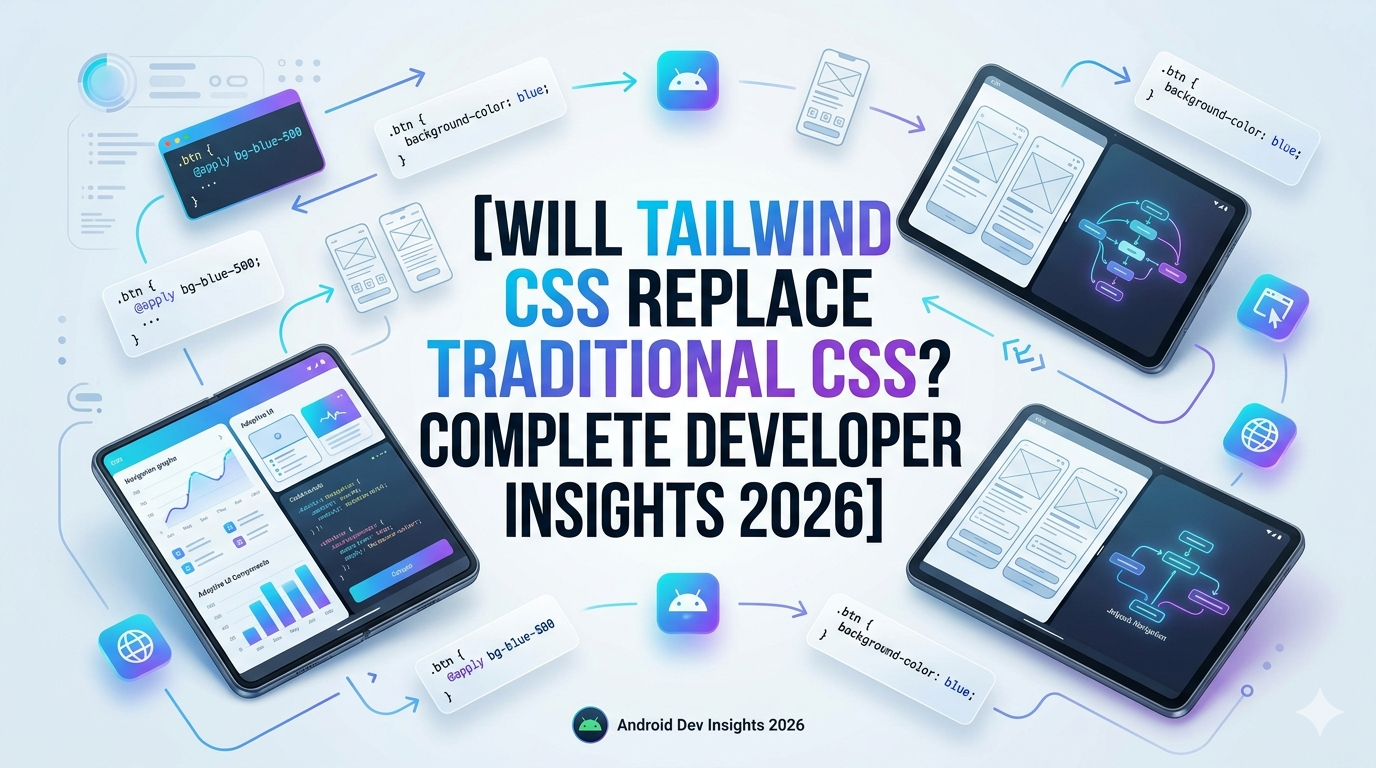
There’s a conversation happening in dev communities, Discord servers, and Twitter threads that just won’t die — will Tailwind CSS replace traditional CSS? If you’ve been building websites or learning frontend development in 2025 or 2026, you’ve almost certainly bumped into this debate. And honestly, it’s not a simple yes-or-no kind of answer.
This article digs into both sides with real perspective, not hype.
What Exactly Is the Debate About?
When developers talk about whether Tailwind CSS replace traditional CSS is happening or not, they’re really talking about a bigger shift in how frontend styling works.
Traditional CSS means you write a separate .css file, give your elements class names like .card or .hero-section, and define their styles there. You have full control. You know where everything lives.
Tailwind flips that. Instead of writing custom styles, you apply utility classes directly in your HTML — things like flex, text-center, bg-blue-500, mt-4. No separate stylesheet, no naming headaches. Just classes stacked right on your element.
Both methods work. But they have very different feelings when you use them day to day.
How Tailwind CSS Gained So Much Ground
A few years back, Tailwind was considered a bit niche. Some developers looked at that long chain of class names in HTML and thought — this is messy, why would anyone do this?
Then something shifted.
Frameworks like Next.js started including Tailwind in their starter templates. Component libraries like shadcn/ui were built on top of it. Companies building fast-moving products started shipping UIs quicker with Tailwind than with handwritten CSS.
By 2026, Tailwind has become one of the most downloaded CSS tools in the npm ecosystem. It’s not a passing trend anymore. The question of whether Tailwind CSS replace traditional CSS could happen feels much more real now than it did even two years ago.
What Developers Actually Think in 2026
The Tailwind Camp
Developers who love Tailwind will tell you the productivity gain is real. You don’t context-switch between your HTML and a CSS file. You see the styling right there on the element. For teams, this means no more “who wrote this class and what does it do” confusion.
One common thing you’ll hear from Tailwind fans: “I can build a full page in half the time.”
There’s truth in that. Once you know the utility class names, the workflow feels almost like thinking in design tokens rather than writing properties. And with tools like the Tailwind IntelliSense VS Code extension, it autocompletes everything — so the learning curve flattens fast.
The Traditional CSS Camp
On the other side, experienced CSS developers are not ready to abandon what they know. And they have valid reasons.
Traditional CSS gives you something Tailwind doesn’t: meaningful, semantic class names. A class like .product-card__image tells you what that element is. A Tailwind class like w-full h-48 object-cover tells you what it looks like — but not what it means.
Developers working on large-scale projects where CSS architecture matters — think BEM, ITCSS, or design systems — often find Tailwind constraining. You end up with repeated blocks of utility classes across dozens of components, and when a design change comes in, you’re hunting through JSX or HTML files instead of updating a single CSS rule.
Many senior developers will say: if you don’t understand how flexbox or grid actually work in CSS, Tailwind is just making you dependent on a layer you don’t fully understand.
Can Tailwind CSS Replace Traditional CSS Completely?
Here’s the honest answer: probably not completely — not in every context.
There are places where Tailwind CSS replace traditional CSS makes genuine sense. If you’re building a React or Next.js app, moving fast, working on a startup product, or collaborating with a team using component-driven development — Tailwind fits that environment extremely well.
But if you’re working on:
- WordPress themes where PHP templates control the HTML structure
- Email templates where inline CSS still dominates
- Legacy codebases with deeply nested CSS architectures
- Branding-heavy projects where a design system already exists in traditional CSS
…then Tailwind can actually slow you down or cause friction rather than solve problems.
H3: The Learning Curve Question
A lot of beginners ask whether they should learn traditional CSS first or jump straight to Tailwind. This comes up constantly.
The practical answer? Learn traditional CSS first — always.
Tailwind is built on top of CSS concepts. If you don’t know what display: flex does, typing flex as a Tailwind class won’t make much sense either. The underlying logic is the same, just written differently.
Once you understand box model, positioning, flexbox, and grid in raw CSS, picking up Tailwind takes maybe a weekend. It’s just a different syntax for things you already know.
You can check out the official Tailwind CSS documentation — it’s actually very well written and beginner-friendly once you have CSS basics down.
H3: Performance — Does It Even Matter?
One place developers agree: both approaches can be made fast with the right setup.
Tailwind v3 and v4 use a JIT (Just-In-Time) compiler that only ships the classes you actually use. So your final CSS bundle is often smaller than a hand-written stylesheet full of unused selectors.
Traditional CSS, when written carefully with tools like PostCSS or using CSS Modules in React, can be just as lean. The performance gap really comes down to developer discipline more than the tool itself.
For a deeper technical comparison, the MDN Web Docs on CSS specificity and the cascade is worth reading — it helps you understand why architecture matters in either approach.
Where Both Worlds Are Merging
Something interesting is happening in 2026: the line between Tailwind and traditional CSS is blurring.
CSS has introduced native features like container queries, @layer, and CSS nesting — features that traditional CSS supporters championed. At the same time, Tailwind v4 has started embracing native CSS variables and cascade layers internally.
It’s starting to feel less like two opposing philosophies and more like two tools in the same toolbox.
Many developers now use both — Tailwind for component-level utility styling, and a small global CSS file for typography, reset styles, and design tokens. That’s actually a pretty clean setup.
If you’re curious how modern CSS has evolved alongside these frameworks, this article on CSS architecture patterns gives a solid overview of how teams are thinking about it today.
H2: Tailwind CSS Replace Traditional CSS — The Verdict From Real Projects
After working on projects both ways, here’s what actually holds up:
Tailwind is genuinely better for component-heavy, JavaScript-driven applications. The developer experience is smoother, team collaboration is easier when everyone speaks the same utility language, and rapid prototyping becomes surprisingly fast.
Traditional CSS is still the right choice for simpler websites, content-heavy platforms, or any project where long-term CSS maintainability matters more than speed of initial development.
Neither kills the other. They solve slightly different problems.
Final Conclusion
The debate about whether Tailwind CSS replace traditional CSS will keep going — and that’s fine. It means developers care about their craft.
What 2026 has made clearer is this: Tailwind is no longer a controversial experiment. It’s a legitimate, mature tool used in production by real companies. But traditional CSS hasn’t lost its value either. If anything, CSS itself has gotten more powerful with modern features that close the gap.
The smartest move as a developer — beginner or experienced — is to understand both. Know why traditional CSS works the way it does. Then learn Tailwind as a productivity layer on top of that knowledge. That combination makes you far more versatile than someone who only knows one approach.
Tools change. Fundamentals don’t.